Building a Tool-Calling Agent with Vercel's Eve and Running It from the TUI
A follow-up to my first look: adding tools and evals to Eve, configuring models via the Vercel AI Gateway, invoking tools from the TUI, and exploring the info and eval commands.
This article is part of " Getting Started with Vercel Eve " series (Part 3) — 6 posts
I outlined the overall picture of Eve in the article below.
Surveying Vercel's AI Agent Framework 'Eve' Before Getting Started https://llm-lab.dev/posts/eve-vercel-agent-framework-survey/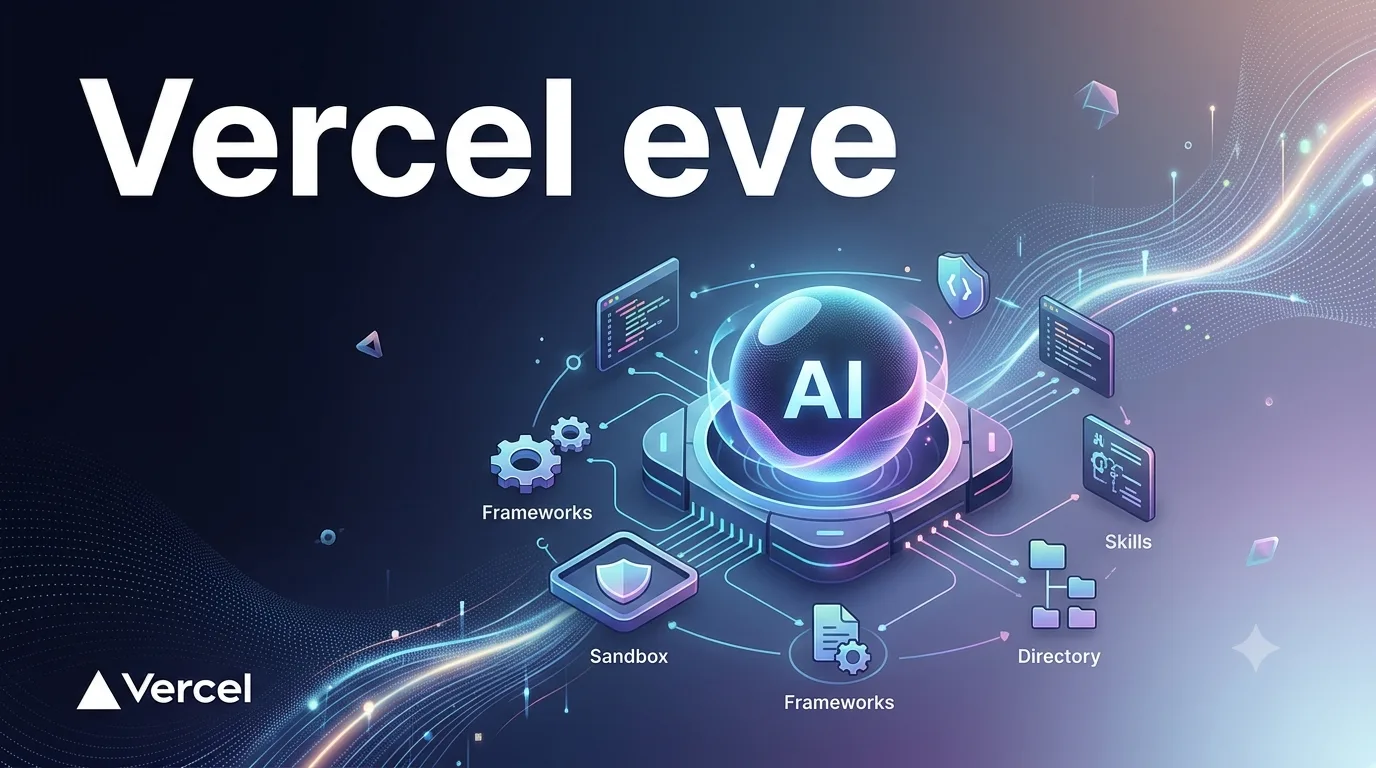
I wrote the following article previously.
A First Look at Vercel's Agent Framework Eve https://llm-lab.dev/posts/vercel-eve-first-look/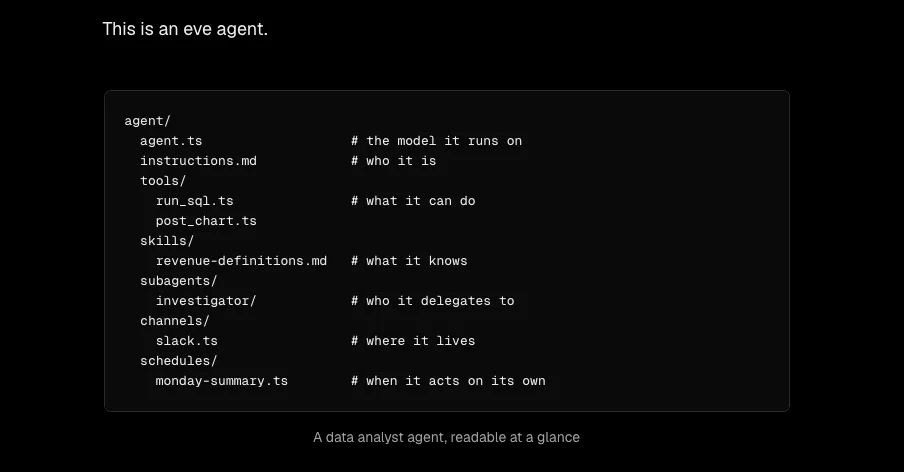
I had already verified that the local dev server starts up, so this time as a follow-up I wrote and ran actual tools, and confirmed model configuration and tool invocation from the TUI.
At first I tried to verify through the HTTP API and background startup, but in practice the simplest approach was to select a model on the Vercel AI Gateway side with /model in Eve’s TUI and converse directly. This time I switched to anthropic/claude-haiku-4.5 and verified that a dummy weather tool gets called.
What I Built
I added a single dummy weather tool to the minimal project I created last time.
// agent/tools/get_weather.ts
import { defineTool } from "eve/tools";
import { z } from "zod";

export default defineTool({
  description: "Get the current weather for a city. Returns dummy data for local testing.",
  inputSchema: z.object({
    city: z.string().describe("City name, e.g. Tokyo"),
  }),
  async execute({ city }) {
    return {
      city,
      temperatureC: 26,
      condition: "partly cloudy",
      note: "this is dummy data from a local check, not a real weather API",
    };
  },
});
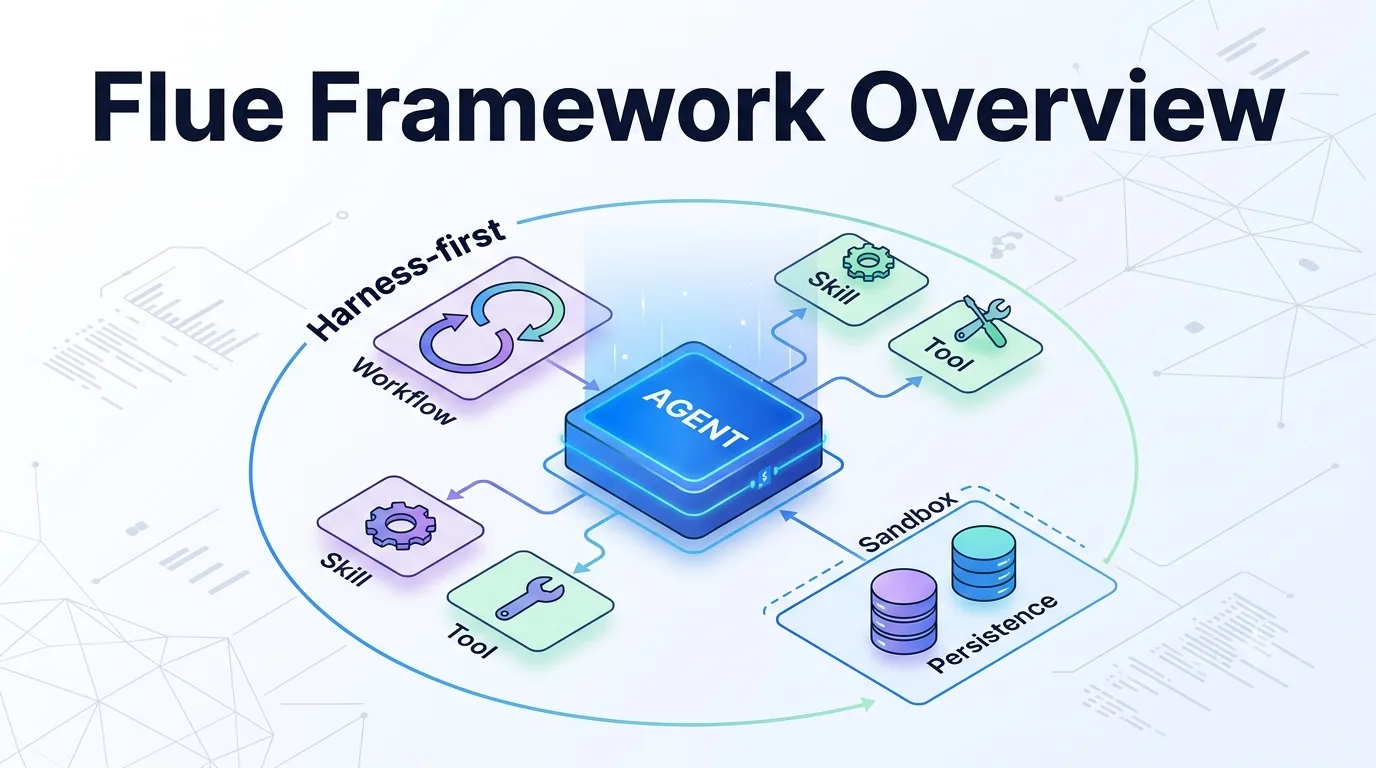
The file name becomes the tool name as-is, and all I had to do was add one line to instructions.md saying “when asked about weather, use this tool.” No wiring or registration arrays were required. I saw a similar convention in Flue, but Eve takes it even further with a flat agent/tools/ convention that doesn’t even require nested directories.
# Identity

You are a helpful assistant for local framework testing.

- When asked about weather, use the get_weather tool rather than guessing.
- Answer concisely.
I also added one eval.
// evals/weather.eval.ts
import { defineEval } from "eve/evals";
import { includes } from "eve/evals/expect";

export default defineEval({
  description: "The assistant uses get_weather and reports the dummy Tokyo weather result.",
  async test(t) {
    await t.send("東京の天気を教えてください");
    t.completed();
    t.calledTool("get_weather", { output: { city: "Tokyo", condition: "partly cloudy" } });
    t.check(t.reply, includes("26°C"));
    t.check(t.reply, includes("ダミー"));
  },
});
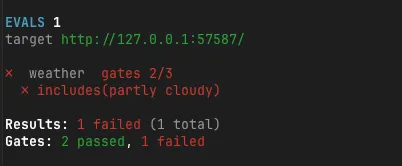
At first I used t.check(t.reply, includes("partly cloudy")), but when I ran it the condition in the tool output was partly cloudy while the final response rephrased it into Japanese as something like “曇りのち晴れ” (partly cloudy). So I changed my approach: I verify condition through t.calledTool(...) output assertions, and check the user-facing response for text that actually appears, such as 26°C or “ダミー” (dummy).
Being able to assert tool invocations themselves with t.calledTool(...) feels like a writing style that bridges unit tests and E2E tests, and it struck me as subtly useful. On the other hand, since English tool values don’t necessarily appear verbatim in the final natural-language response, it’s more stable to separate what you verify through tool output from what you verify through response text.
Changing the Model from the TUI
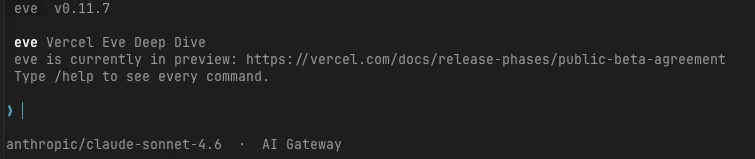
I started the TUI with npm exec -- eve dev and ran /model first. Changing the model to anthropic/claude-haiku-4.5 here makes it active from the next prompt.
▌ /model
   ⎿  Model changed to anthropic/claude-haiku-4.5. Live on your next prompt.
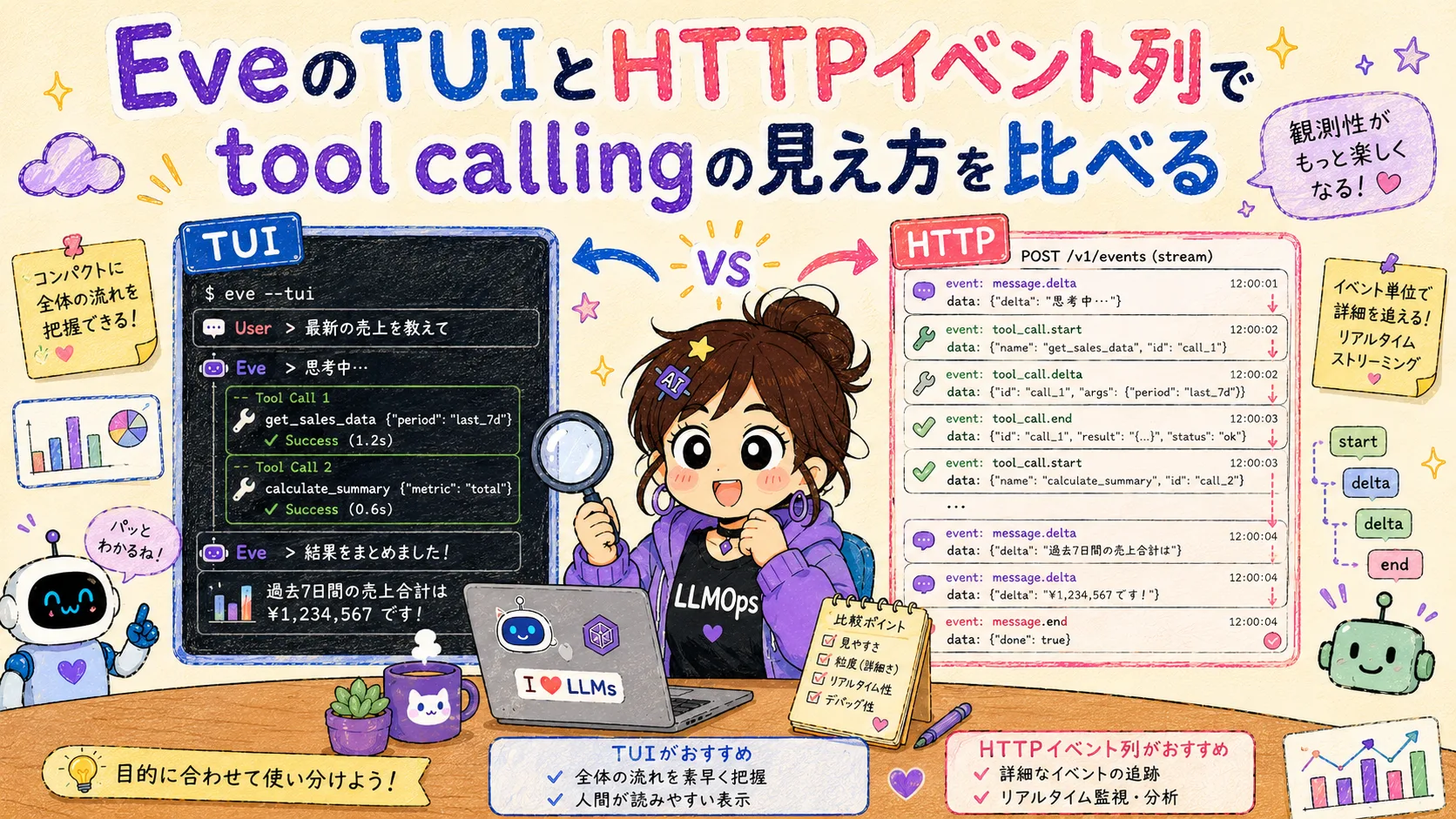
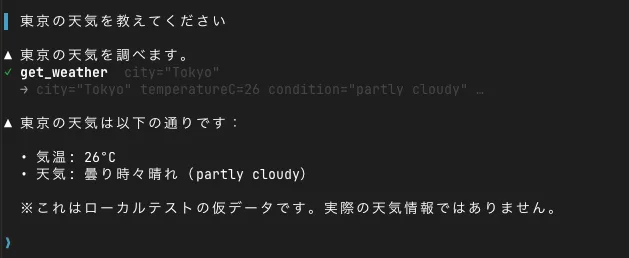
When I asked about the weather, Eve invoked the get_weather tool, read the result, and replied in Japanese.
▌ 東京の天気を教えてください

▲ 東京の天気を調べます。
✓ get_weather  city="Tokyo"
  → city="Tokyo" temperatureC=26 condition="partly cloudy" …

▲ 東京の天気は以下の通りです:

  • 気温: 26°C
  • 天気: 曇り時々晴れ(partly cloudy)

  ※ これはローカルテストの仮データです。実際の天気情報ではありません。
What I confirmed here is that simply placing a file at agent/tools/get_weather.ts is enough for the tool to be discovered and naturally invoked by the model. I didn’t write any explicit arrays or routing code for tool registration.
The Build Passed Without Issues
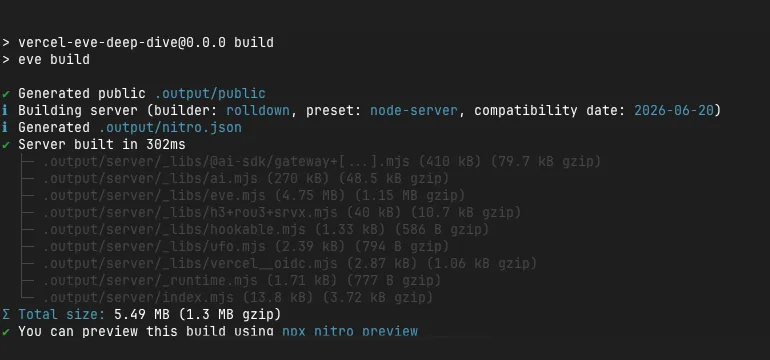
eve buildRunning this produced a Nitro-based server.
[nitro] √ Building server (builder: rolldown, preset: node-server, ...)
  ├─ .output/server/_libs/@ai-sdk/gateway+[...].mjs (409 kB)
  ├─ .output/server/_libs/ai.mjs (270 kB)
  ├─ .output/server/_libs/eve.mjs (4.67 MB)
  ...
[BUILD] built output at /path/to/my-agent/.output
As you can see from the fact that @ai-sdk/gateway is bundled from the start, Eve is built on the assumption that model provider access is unified through the Vercel AI Gateway. While you can specify something like anthropic/claude-sonnet-4-6 as if hitting Anthropic directly, the actual architecture routes through the AI Gateway. This is worth keeping in mind, as it also relates to a stumbling block I’ll mention later.
A Small Pitfall with Background Process Management
This is a bit off-topic from the main subject, but I’m writing it down as an implementation note. While restarting eve dev several times, I repeatedly encountered a situation where a naive nohup ... & approach caused the process to die after a few seconds, making curl return Connection refused. Switching to setsid to detach from the session stabilized things. I was reminded that when running CLI tools in the background for verification, you need to pay attention to how shell job management behaves.
Setting the AI_GATEWAY_API_KEY and Proceeding in the TUI
Eve’s string model IDs, such as anthropic/claude-haiku-4.5, are resolved through the Vercel AI Gateway. So to run locally, you place your Vercel AI Gateway API key in .env.local.
AI_GATEWAY_API_KEY="..."With this in place, starting npm exec -- eve dev and using /model in the TUI lets you change models and try conversations on the spot. In this verification, after switching to anthropic/claude-haiku-4.5, I got through the weather question to the get_weather invocation.
There is also a way to hit the HTTP API directly, but for first-time verification the TUI is easier to work with because you can see model changes, tool invocations, and responses in one place. The useful evidence to keep is the model change display after /model and the conversation where get_weather was called.
The Full Picture of Built-in Tools, Revealed by an Error Payload
Now that I could see get_weather being called in the TUI, I became curious about what built-in tools Eve’s agent has beyond custom ones. Comparing the documentation with the compilation results, I found the following standard tools available in addition to the ones I defined myself.
In addition to my custom get_weather, these tools were built in from the start:
| Tool Name | Role |
|---|---|
ask_question | Ask the user a multiple-choice question and wait for a response |
bash | Execute shell commands inside a sandbox |
glob | Search files by pattern |
grep | Search file contents with a regular expression |
read_file | Read a file |
write_file | Write a file ( constrained to fail unless the existing file was read first ) |
todo | Manage a task list within the session |
web_fetch | Fetch a URL and convert it to markdown/text/html |
web_search | Web search provided by Anthropic (implemented as type: provider) |
load_skill | Load the full instructions of available skills |
The fact that bash, read_file, write_file, glob, and grep are available by default is especially notable. It means the feature introduced in the blog post of “having the agent write and execute its own code” (the example of write_file analysis/by_region.py followed by bash python analysis/by_region.py) is enabled from the start without any special configuration. In Flue you had to explicitly select a sandbox like sandbox: local(), but Eve seems to default to a “general-purpose agent with a sandbox.”
Looked at from the other side, this also means the security assumptions differ from Flue’s. According to the blog post, Eve’s sandbox is “a segregated environment running in a separate security context from the harness,” with Vercel Sandbox at deploy time and Docker, microsandbox, or just-bash as adapters for local use. So even though bash is available from the start, the premise is that its execution target is not the application runtime itself but an isolated separate environment. Where Flue’s local() was “a trusted-environment-only choice that accesses the host directly,” Eve thickens its built-in tools from a “sandboxed from the start” stance. Seeing this difference in design philosophy was one of the takeaways from this session.
That said, the only tool I actually invoked in this verification was my custom get_weather. How built-in tools like bash and write_file map to specific sandbox backends in a local environment still needs to be verified separately.
The Eval Command Also Needs a Config File
When I tried eve eval, I hit another stumbling block.
Missing required eval config at evals/evals.config.ts.
Create it with defineEvalConfig({}) (optionally `{ judge: { model } }` to set
the default judge model for `t.judge.*` assertions).
It seems there are not only deterministic assertions like t.check(t.reply, includes(...)) but also LLM-as-judge-style t.judge.* assertions, and this config is where you specify the default judge model. For now, placing just defineEvalConfig({}) is enough to start writing deterministic evals like the ones I used here.
When I ran it once, completed and calledTool(get_weather) passed, but includes(partly cloudy) failed. This is because while partly cloudy was in the tool output, the model rephrased it into Japanese in the final response. When writing evals, you need to think separately about whether you’re verifying internal structured output or the natural language returned to the user.
After splitting the expected values and rerunning, all four gates passed.
✓  weather  gates 4/4

Results: 1 passed (1 total)
Gates: 4 passed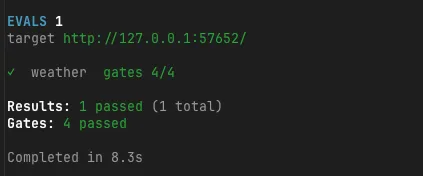
Internal Structure Revealed by the info Command
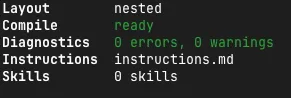
Finally, I checked the compiled internal state with eve info.
Application
App Root      /path/to/my-agent
Agent Root    /path/to/my-agent/agent
Layout        nested
Compile       ready
Diagnostics   0 errors, 0 warnings
Instructions  instructions.md
Skills        0 skills

Artifacts
Compiled Manifest   .eve/compile/compiled-agent-manifest.json
Discovery Manifest  .eve/discovery/agent-discovery-manifest.json
...

Messaging
Create       POST /eve/v1/session
Continue     POST /eve/v1/session/:sessionId
Stream       GET /eve/v1/session/:sessionId/stream
The Skills 0 skills display tells us that tools (tools/) and skills (skills/) are counted under separate jurisdictions inside Eve. Since I didn’t create any skills this time, this is a consistent result. The build output being persisted as a JSON manifest under .eve/ is also conceptually similar to Flue’s build-time manifest. The pattern of generating structured execution data from declarative file layout feels quite common across this generation of agent frameworks.
Summary
What I learned from this verification comes down to three points:
- The TUI is the simplest way to verify: From
npm exec -- eve dev, change the model via/modeland converse directly to see the flow of model switching and tool invocation clearly. - Tools appear from file placement alone: Placing
agent/tools/get_weather.tsand writing the policy in instructions was enough forget_weatherto be called by the model. - Evals need a config file: Without
evals.config.tscontainingdefineEvalConfig({}),eve evalwon’t run. Even the first eval requires the overhead of writing this config file.
The design that thickly embeds execution capabilities including bash, read_file, and write_file from the start contrasts sharply with Flue’s “sandbox is something you explicitly choose” design. It’s not a matter of which is better; my main impression this time is that the default safety posture differs.
The remaining unverified areas are actual code generation and execution with the bash tool, evals using t.judge.*, and real Slack channel integration. Slack integration is outside the scope of this verification.
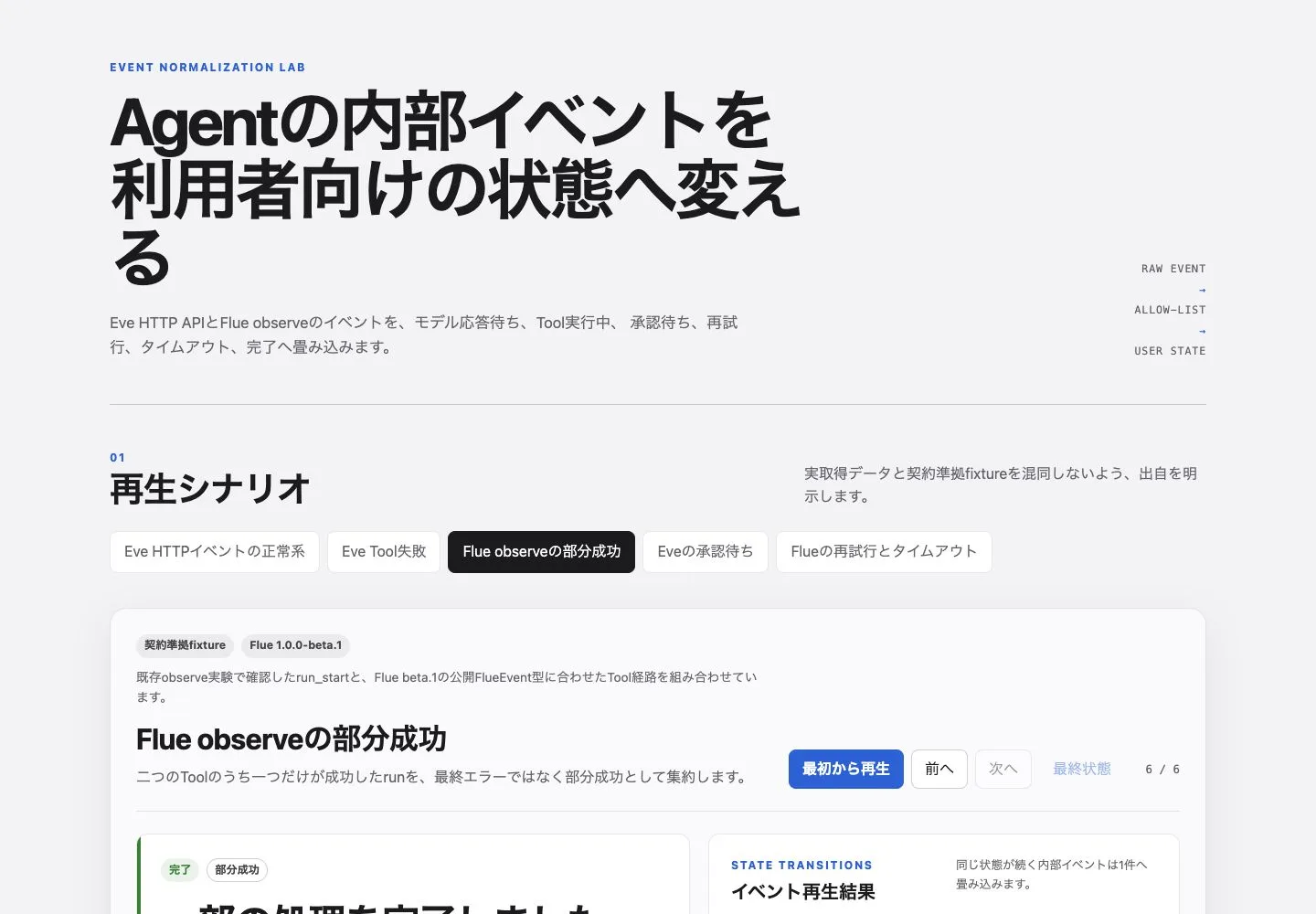
I also revisited the tool execution seen in the TUI from the HTTP event side and mapped it into the same UI states as Flue.
Tsurezure Agent OPS Normalizing Vercel Eve and Flue Tool States to Replay Approval Waits and Partial Success A TypeScript replay experiment that maps Eve and Flue events into six UI states while preserving tool failures, approval waits, and partial success. https://llm-lab.dev/en/posts/agent-ui-tool-state-normalization/